Intelligent 3D LED Smart Alarm Clock
Software architecture and integration · Cornell ECE 5725
A triangular alarm clock built from three RGB LED panels that senses its orientation and turns physical movement into self-righting time, falling sand, and interactive animations. Built with Ding Yang and Keyun Gao.
What it is
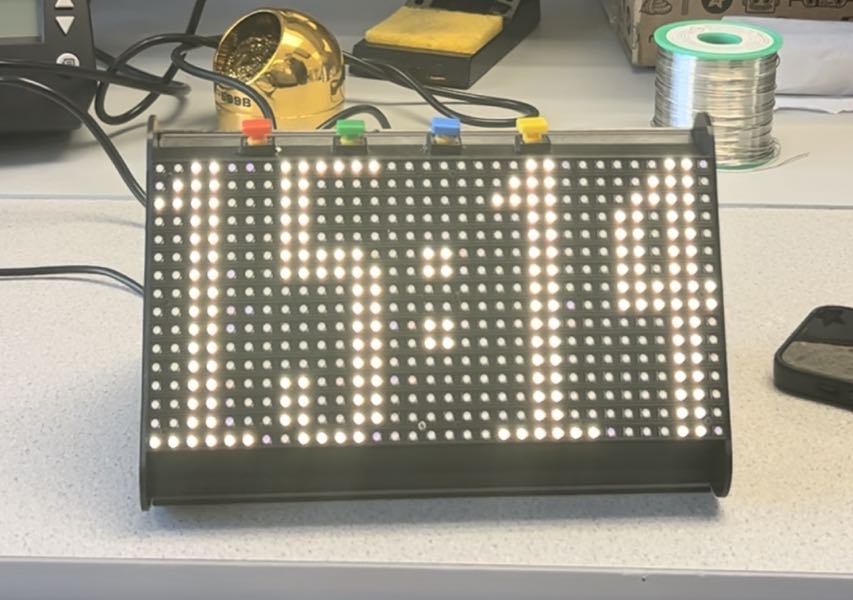
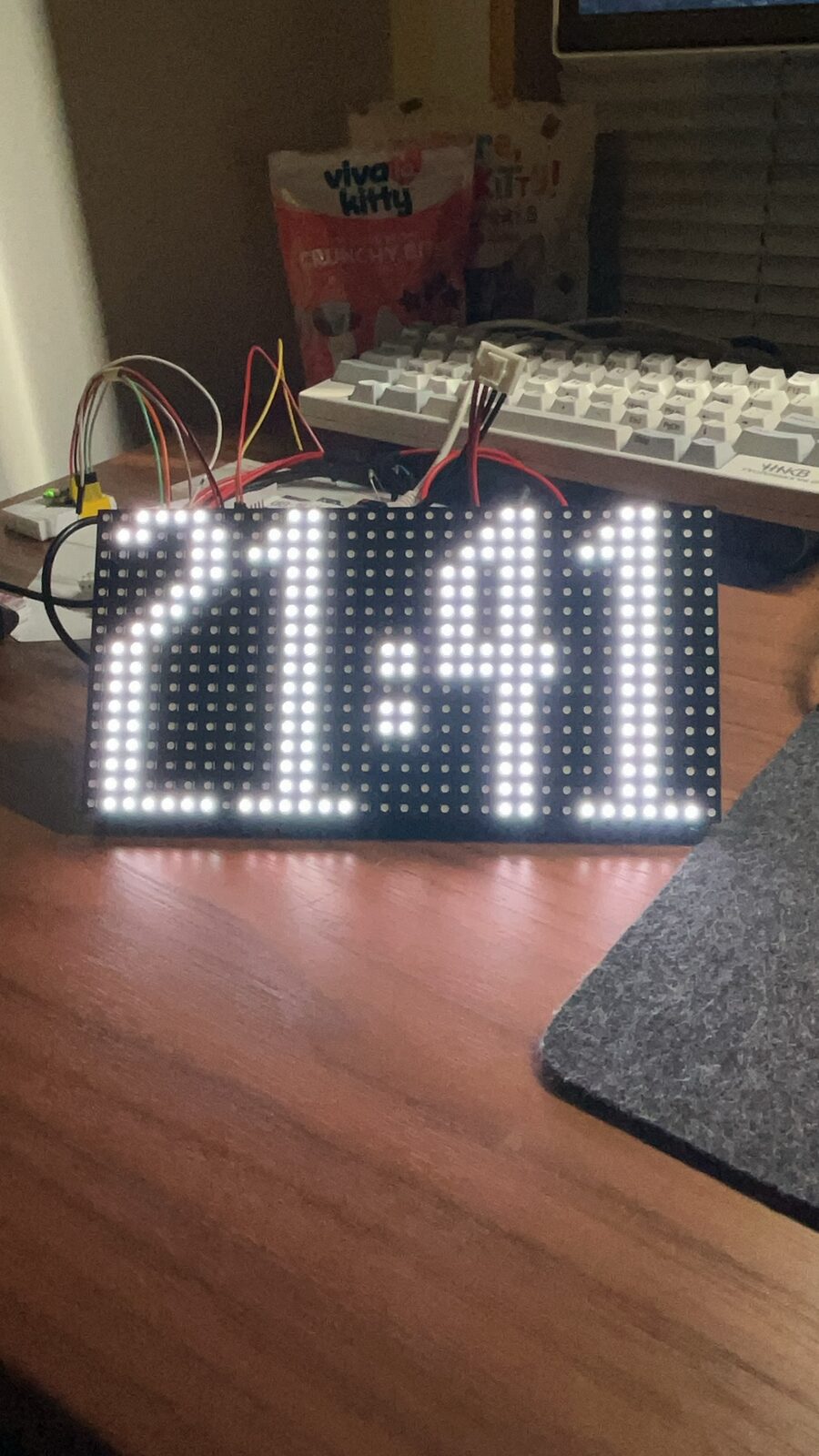
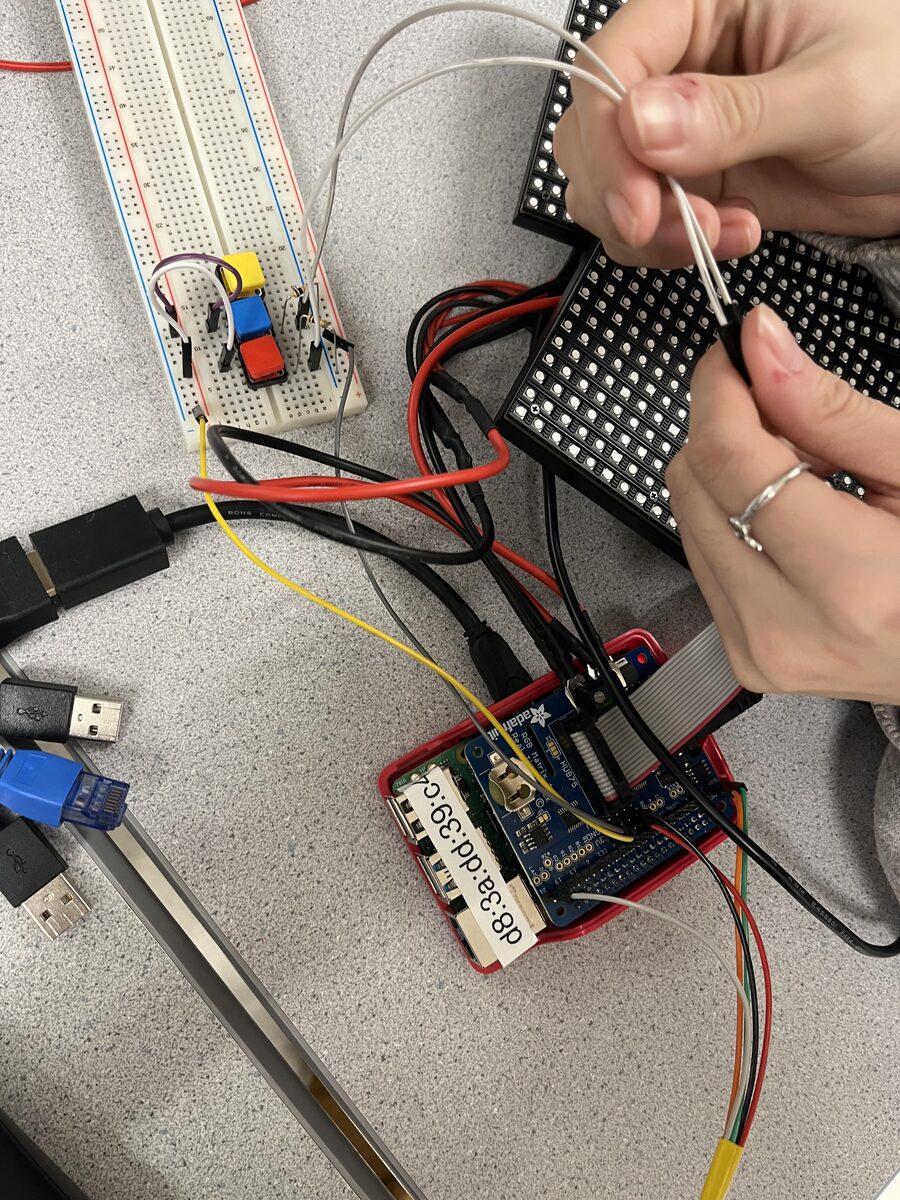
Three 16×32 RGB LED panels form a portable triangular clock around a Raspberry Pi 4. An onboard IMU tracks its pose, allowing the display to respond to which side is facing the viewer and how the object is being held.
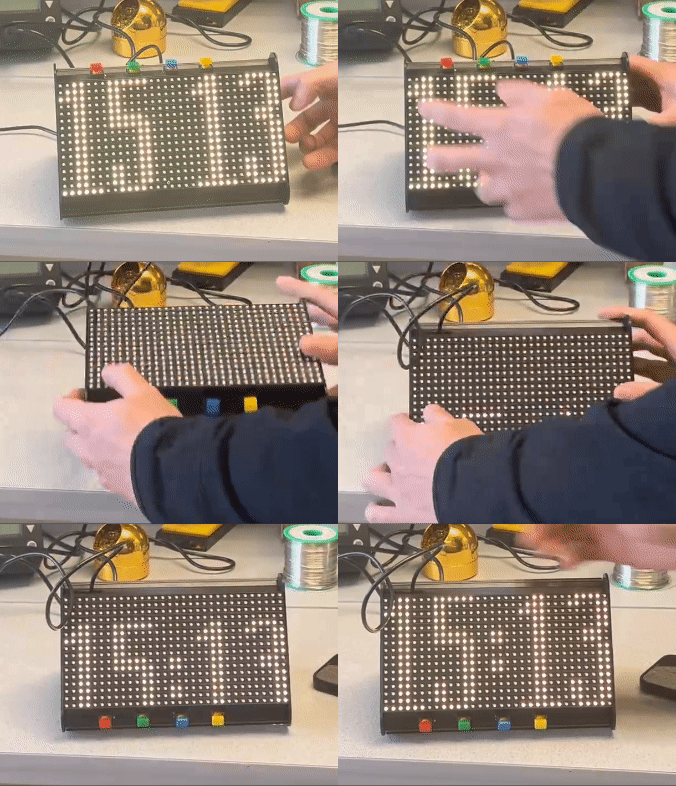
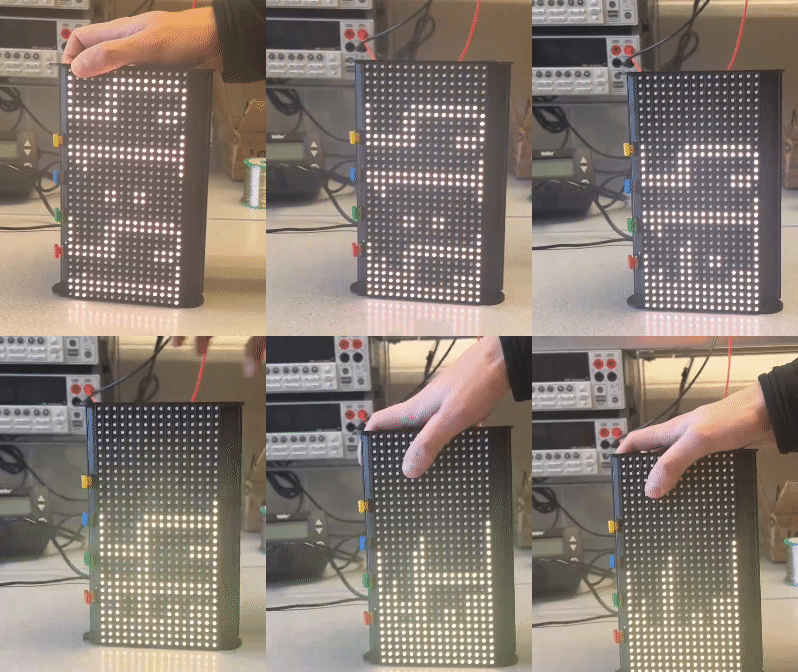
Movement as an interface
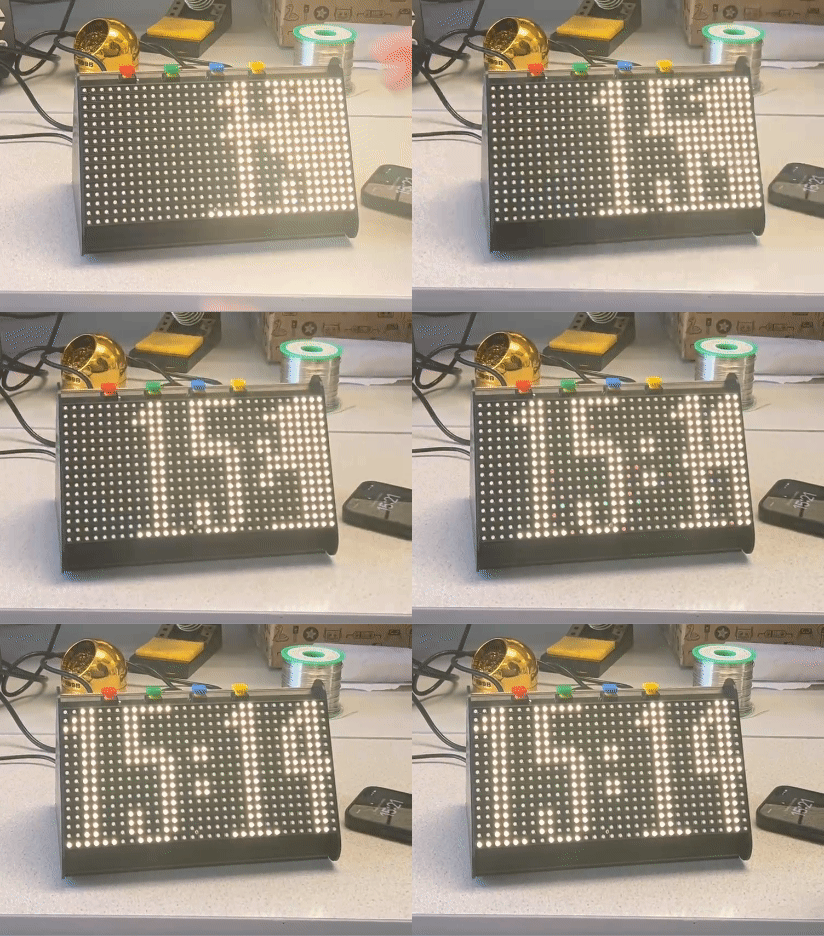
In clock mode, the digits move to the visible face. Rotate the clock vertically and those digits fall apart like sand; return it to a level position and they reconstruct themselves. Other modes turn the same pose data into a scrolling zen image and a field of simulated snowflakes that falls and bounces as the enclosure moves. Physical buttons control the alarm and display modes.
Interaction gallery
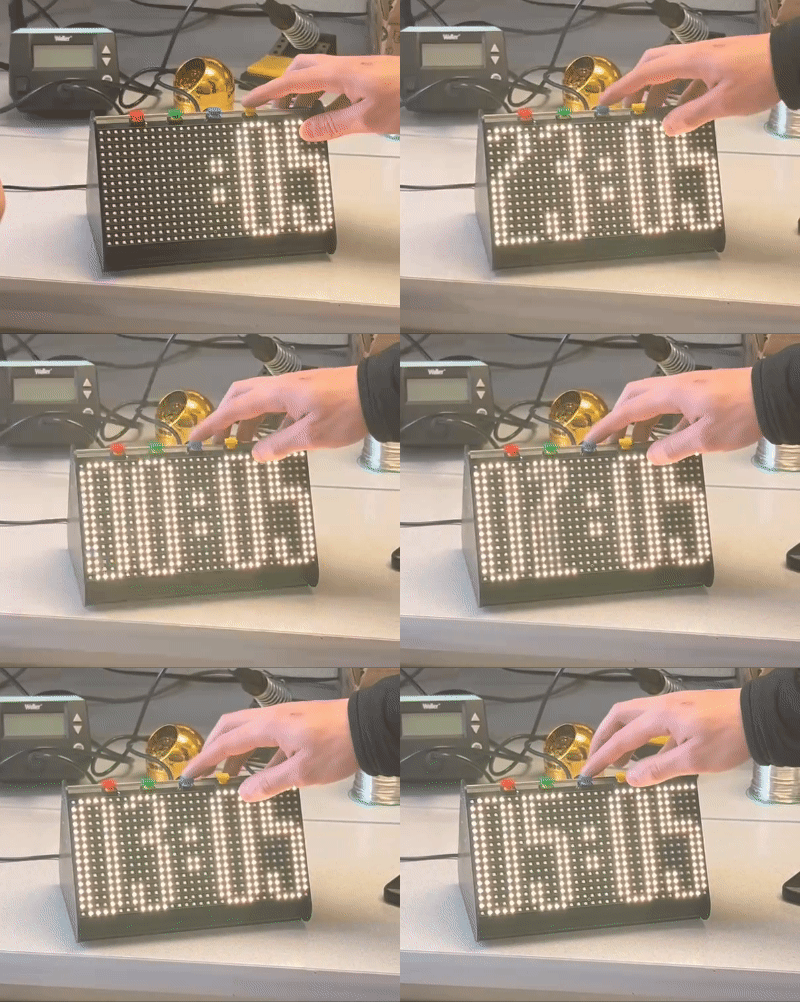
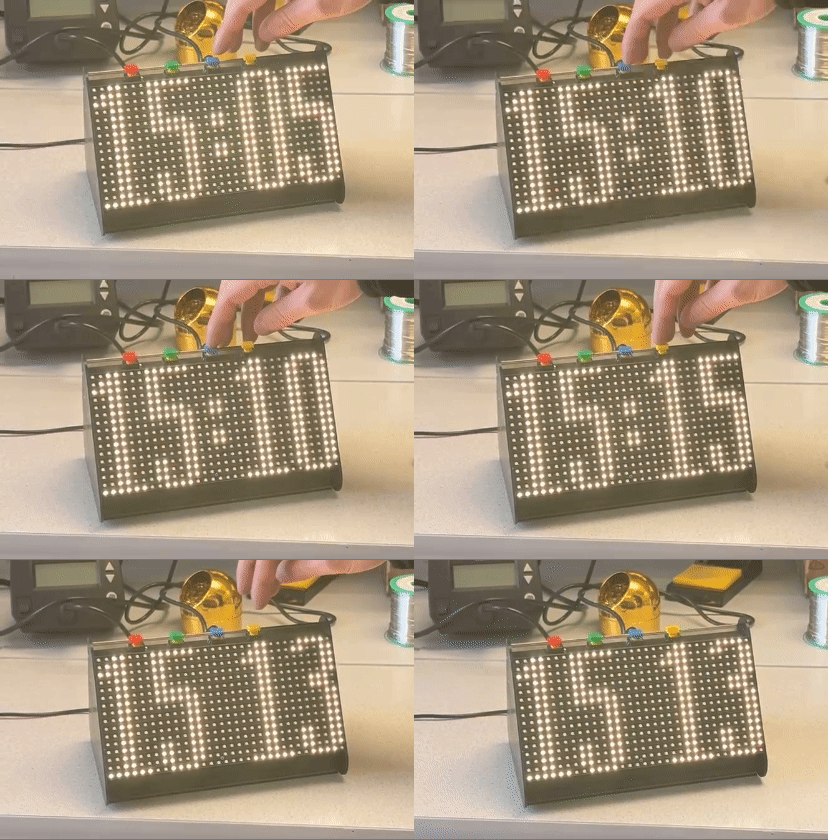
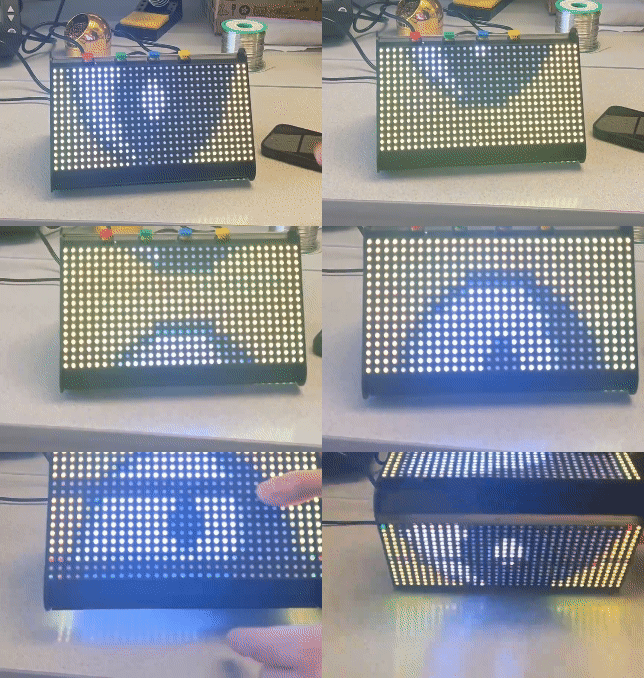
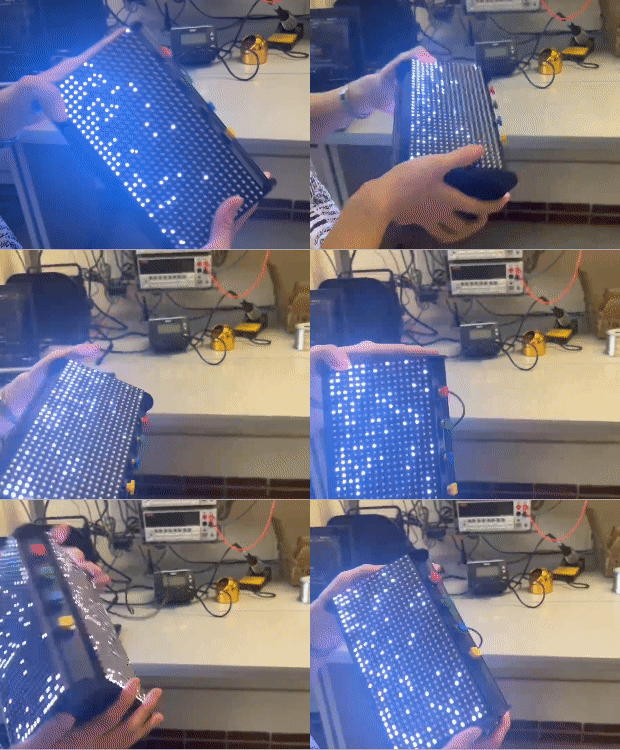
Software architecture
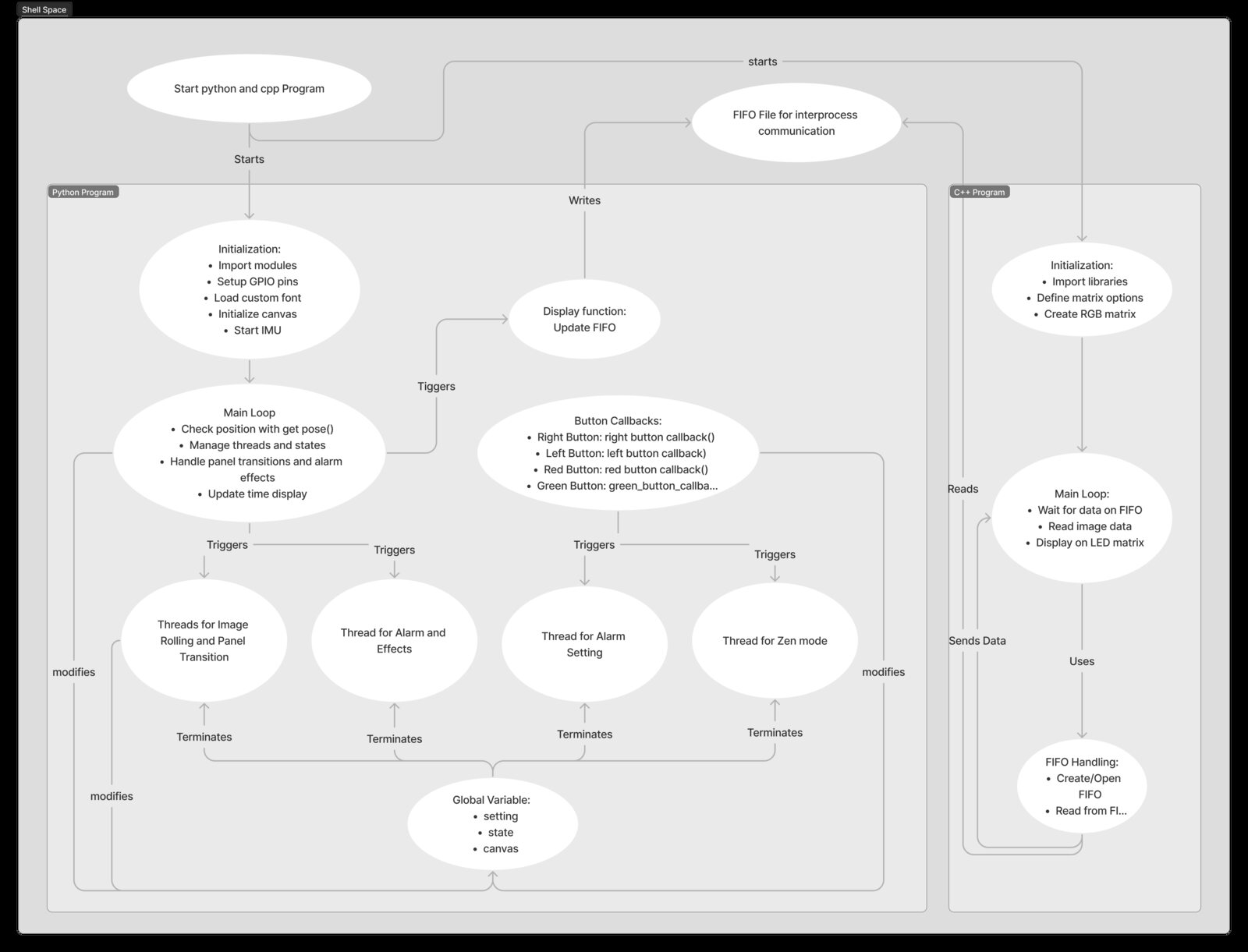
I was responsible for the software. I designed a Python control layer that initialized the IMU, GPIO, fonts, and canvas; managed pose, buttons, application state, alarms, and concurrent display modes; then streamed completed frames through a FIFO. A separate C++ process read those frames and drove the RGB matrices through the low-level display library. This boundary kept interaction and animation logic independent from the timing-sensitive hardware renderer.
The team
Ding Yang designed the mechanical enclosure and transition effects; Keyun Gao developed the IMU-driven snow simulation and helped integrate the hardware. I owned the software architecture, implementation, and end-to-end integration.
Full demo
Original project
Read the full Cornell project report or browse the source code on GitHub.